
Everything needs a password these days and it is difficult or nigh on impossible to keep track of them all. Simple answer is: don’t. Some you do need to remember, but you don’t need to know all of them.
Basic Rules of Passwords
Number one rule for passwords is not using the same password twice. If you use the same password for Facebook and email, a hack of Facebook puts your email account in jeopardy as well.
Each system has its own password complexity requirements. This could be some or all of the following:-
- Minimum password length (often eight or twelve characters)
- Contain upper case letters
- Contain lower case letters
- Contain numbers
- Contain special characters
Current Password Guidance
The National Cyber Security Centre (NCSC), part of GCHQ, which was involved in the development of Cyber Essentials certification, has issued guidance on passwords, which might initially raise eyebrows.
For a long time it was recommended that passwords be changed frequently. NCSC disagrees, saying it is counter-productive. Frequently changed passwords are more likely to be forgotten or be re-used for other services. Passwords only need to be changed if there is reason to believe it has been compromised.
For the main part, NCSC recommended the use of password managers. There are many password managers available and I recommend choosing a reputable provider with a good security track record.
Modern browsers can store passwords securely and this may be sufficient for many people. However, dedicated password managers generally offer more features and make it easier to use unique passwords across all your devices.
Either way, you now no longer need to remember hundreds of different passwords.
Best way to create a strong password
For the few passwords you still need to remember, not least the one for your password manager, NCSC has come up with a solution that will help you meet the harshest of password complexity requirements.
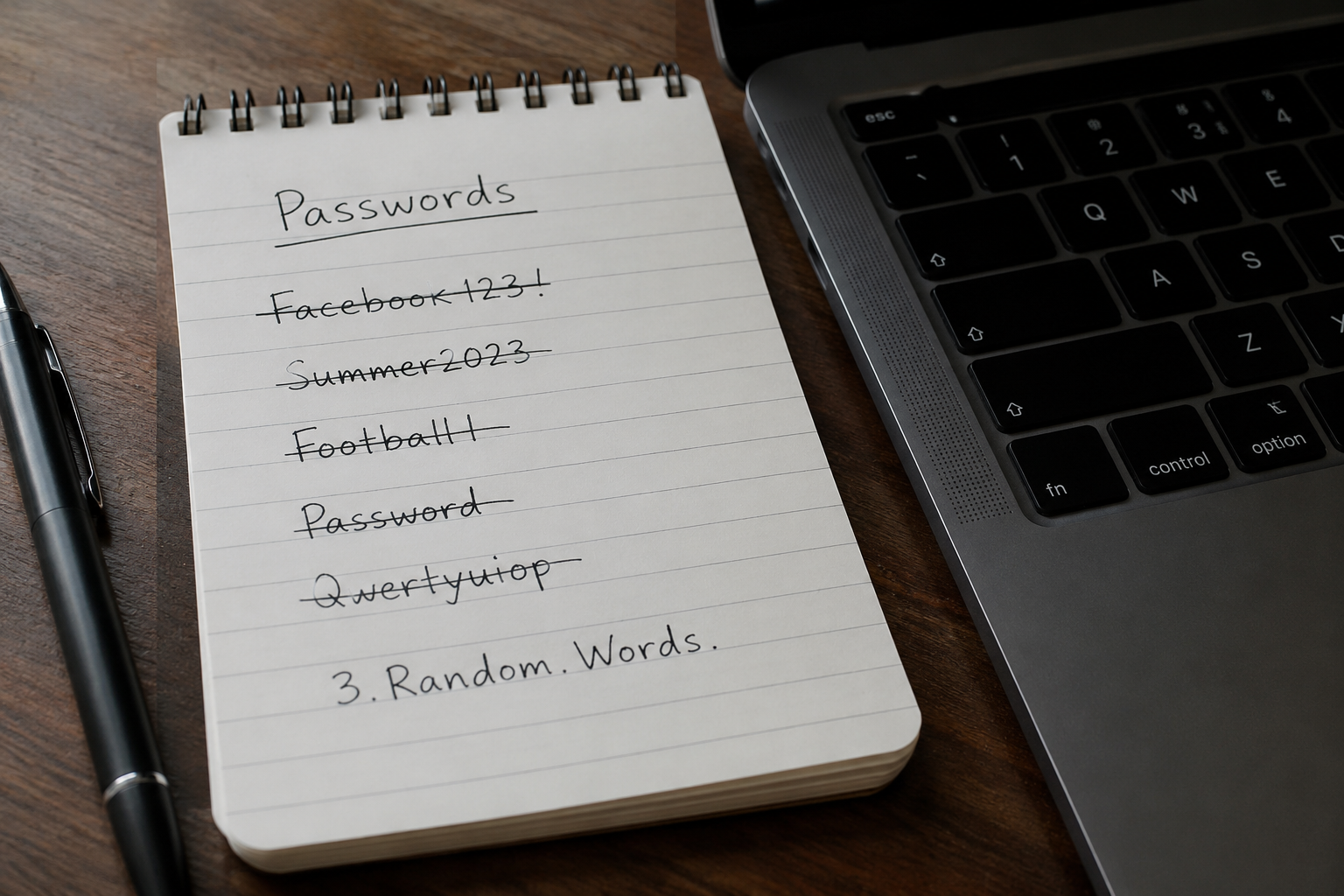
Three random words.
That’s it. Three random words. Capitalise them and put in a special character to delimit them.
Three.Random.Words.
And put in a number.
3.Random.Words.
That’s it.
MFA and 2FA
MFA (Multi Factor Authentication) and 2FA (Two Factor Authentication) provide added security. NCSC advises this to be switched on if it is available. This means that in addition to providing your password, it will ask for another form of verification which could be email, SMS, fingerprint, facial recognition or an app on your phone that generates random numbers.
What if one of my passwords has already been leaked?
If you’re worried that one of your accounts may have been involved in a data breach, you can check your email address using Have I Been Pwned. It maintains a database of known breaches and can tell you whether your details have appeared in any of them.