

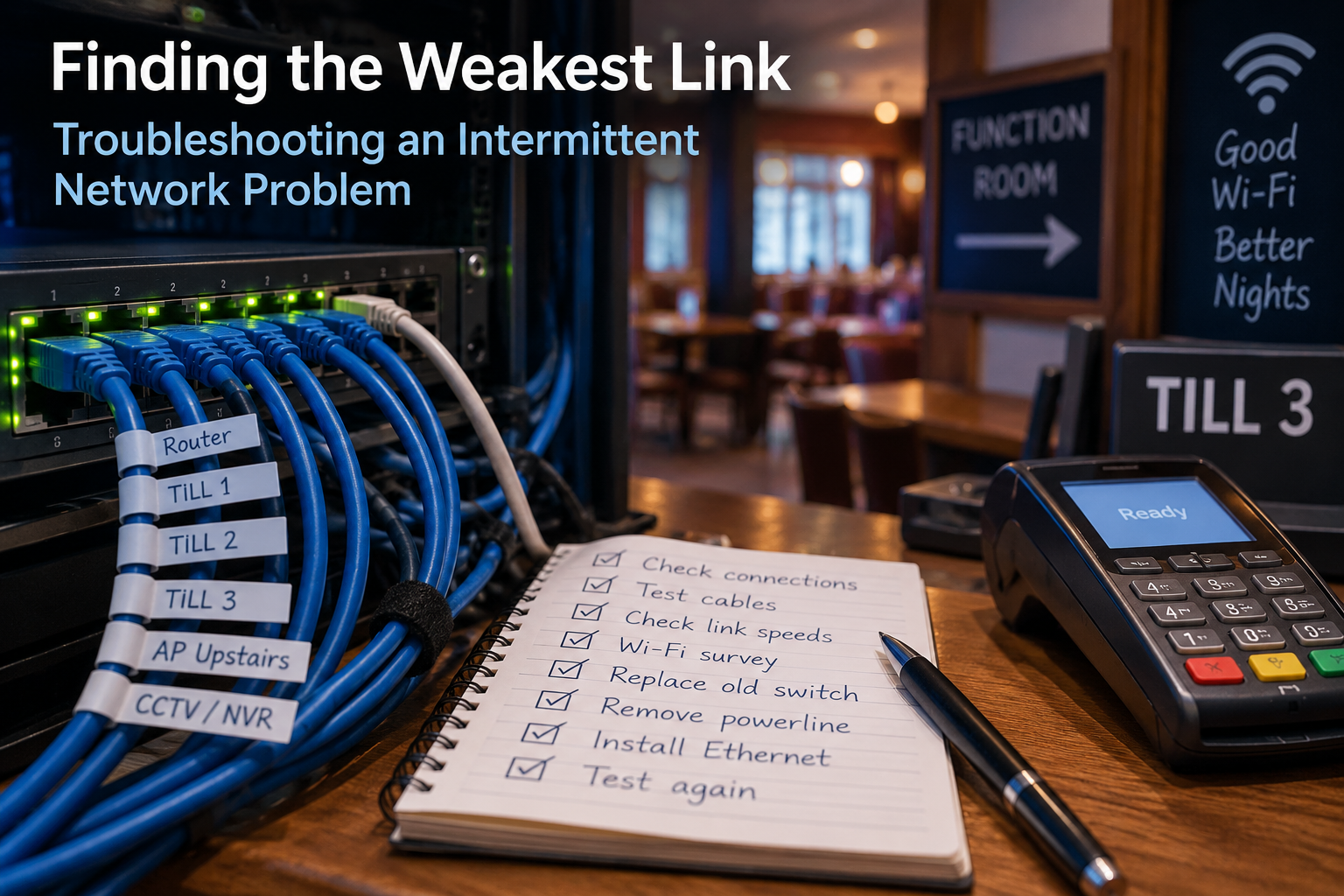
Equipment and services at the club had been upgraded at various points over the preceding months and years, but one problem remained: an upstairs till and card machine that were only used occasionally and sometimes stopped working.
Unfortunately, there wasn’t much information to go on beyond “till doesn’t work” and “card machine doesn’t work”. No dates, times or error messages, and by the time I looked at them they were generally working again.
With another function approaching, it was time to stop guessing and take a proper look at the whole network.
A network that had grown over time
The club had recently moved from an FTTC broadband connection providing around 80 Mbps download and 20 Mbps upload to full fibre at 150 Mbps in both directions.
That was a substantial improvement, but broadband speed is only one part of the picture.
The fibre router was connected to a 16-port Gigabit Ethernet switch, which had replaced some older 10/100 Mbps switches. The two regularly used downstairs tills were connected directly to this switch.
Wi-Fi had also been improved. Instead of relying on the Wi-Fi built into a residential BT router near the front of the building, a dedicated business-grade wireless access point had been installed in a more central location. This provided good coverage for the card machines associated with the downstairs tills as well as the club’s general Wi-Fi.
Upstairs, a new CCTV system had been installed with its NVR connected to the network. I’d also installed another Gigabit switch and wireless access point in the upstairs office.
On paper, things were looking reasonably good.
But there was still Till 3.
Looking at the Wi-Fi
I didn’t have long before the next upstairs function, so one of the first things I did was a Wi-Fi survey of both floors.
The downstairs access point was performing well. It covered most of the ground floor and, perhaps surprisingly, also reached a reasonable proportion of the upstairs function room.
There were a few weaker areas downstairs, but nothing immediately critical.
The upstairs bar was a different matter. Coverage there wasn’t particularly good, and the upstairs access point wasn’t achieving much from its existing location in the office.
Fortunately, I was able to reposition it close to Till 3, where there was already a network switch.
There was, however, something else connected to that switch.
A powerline adapter.
And that was worth investigating.
The weakest link
Powerline adapters carry network data using a building’s electrical wiring. They can be extremely useful where running Ethernet cable isn’t practical, but their performance depends on the electrical environment in which they’re operating.
Till 3 had been connected this way since it was installed around two years earlier. The connection wasn’t ideal even then, but it worked well enough for a till that wasn’t used particularly often.
The difficulty with an intermittent problem is that testing a connection when the building is quiet doesn’t necessarily tell you what happens during a busy function. Electrical noise, different circuits, extension leads and other equipment can all affect powerline networking.
The next function provided another failure of both the till and card machine.
It was time to investigate further.
Testing the network
Rather than assuming that the powerline connection was the only problem, I started checking the whole route.
That uncovered several things.
The small switch serving Till 3 and the upstairs access point was only a 10/100 Mbps model. I replaced it with a Gigabit switch.
I then tested the Ethernet cables. Some were only establishing 100 Mbps connections, so these were replaced as well.
The powerline connection remained the biggest unknown. I spoke to the club’s handyman, who worked out a route and the amount of cable required to run Ethernet properly between the upstairs office and bar.
Once the new cable had been installed, the powerline adapters could finally be removed from the route to Till 3.
That gave us a proper wired connection from the main network to the upstairs bar.
Why is it still only 100 Mbps?
With the new Ethernet cable installed, I connected my laptop and confirmed that the link was running at 1 Gbps.
I then connected Till 3.
Windows reported a link speed of just 100 Mbps.
That initially looked suspicious. But the cable had already demonstrated that it could provide a Gigabit connection, as had the switch. Further investigation revealed the answer: the physical network interface in the till itself was limited to 100 Mbps.
In this case, that isn’t actually a problem.
A till doesn’t need anything approaching Gigabit bandwidth for normal transactions or communication with its local server. The useful part of the discovery was knowing exactly where the 100 Mbps limitation was.
The network wasn’t unexpectedly reducing the till to 100 Mbps. The till was simply designed that way.
It also doesn’t slow everything else connected to the switch down to the same speed. The wireless access point, for example, can have its own faster connection to the network at the same time.
What did we actually fix?
There wasn’t a single dramatic fault that explained everything.
Instead, the survey uncovered several weak points in a network that had gradually evolved over a number of years:
- an intermittent powerline connection on the route to Till 3;
- an older 10/100 Mbps switch;
- Ethernet cables that were only establishing 100 Mbps connections;
- poor Wi-Fi coverage around the upstairs bar;
- an access point that wasn’t in the best location; and
- a 100 Mbps network interface in Till 3 that hadn’t previously been identified.
Some of these mattered more than others. The 100 Mbps interface in the till, for example, is perfectly adequate for what the till needs to do. An intermittent powerline connection serving a till during a busy function is much more significant.
Replacing the powerline link with Ethernet removed the biggest uncertainty and provided a known, stable connection back to the main network.
Since the work was completed, the upstairs facilities have been through at least one busy function without any reported problems with either the till or card machine.
That’s encouraging, although with an intermittent fault I’m always reluctant to declare victory on the basis of a single successful test.
What next?
The main wired network is now in good shape. The backbone is Gigabit Ethernet and the club’s current 150 Mbps symmetrical Internet connection is comfortably within its capabilities.
There are still improvements that could be made.
Wi-Fi coverage isn’t perfect in every part of what is a fairly large and awkward building. The important areas are covered, however, so improving those remaining weak spots can be treated as a separate project rather than part of the Till 3 fault.
And if the club eventually upgrades its Internet connection substantially, the router and other equipment can be reviewed at that point. There’s no need to replace working equipment simply because something faster exists.
The most useful result of the survey wasn’t achieving the biggest number on a speed test. It was removing the unknowns.
We now know how the network is connected, which links are Gigabit, why Till 3 is limited to 100 Mbps, where the remaining Wi-Fi weak spots are and, most importantly, that the unreliable powerline connection is no longer part of the critical route.
Sometimes there isn’t one faulty box waiting to be found. A network that has grown organically over several years can accumulate a number of small compromises.
The best way to find them is not to guess.
Test them.